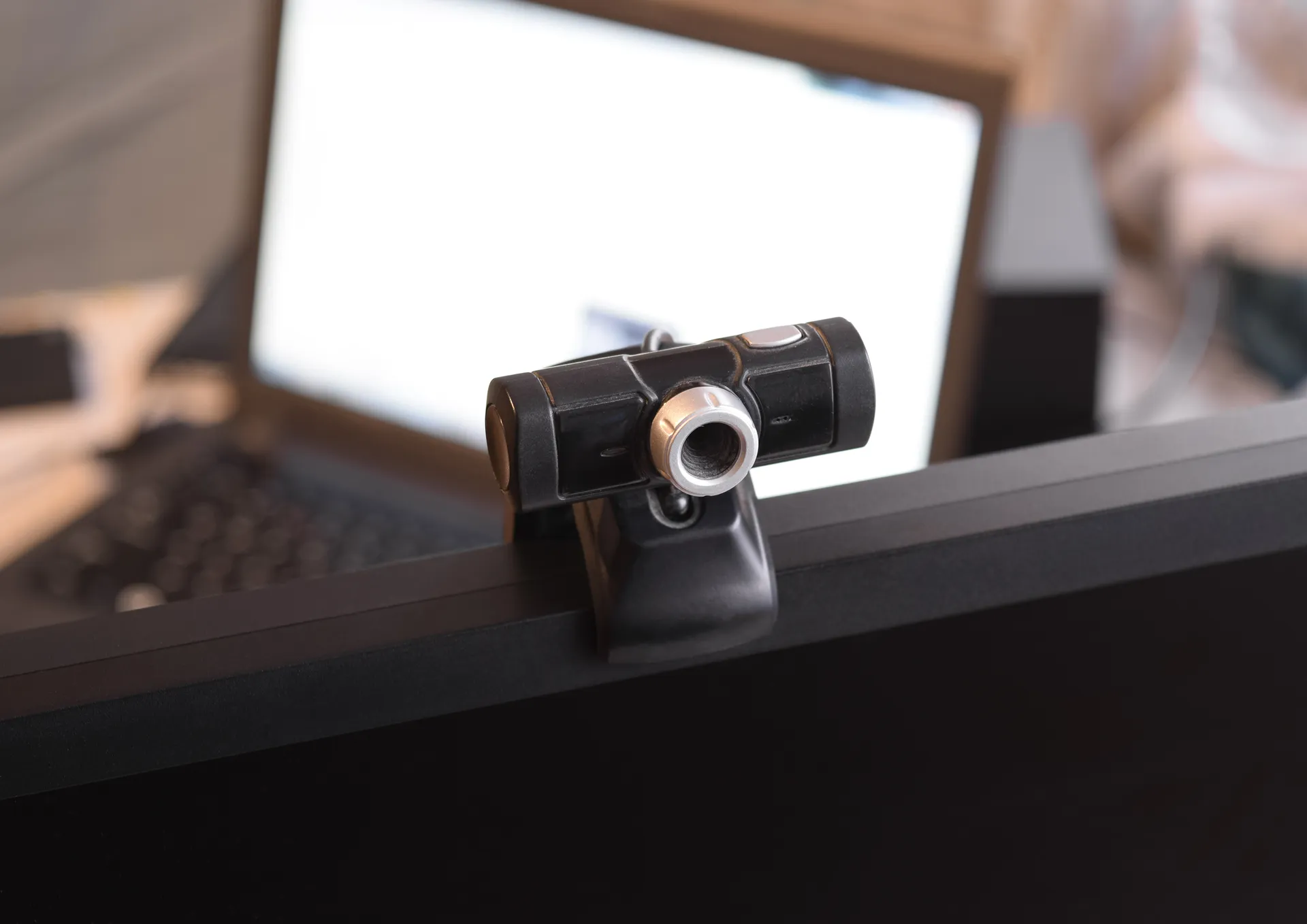
Screen Recording, Webcam & Audio Monitoring

Anexet records employee screens continuously or on schedule, streams a live view to the security console, and stores microphone and speaker audio as separate tracks. Screen recording, live view, and audio capture are available from the Standard plan; still webcam snapshots require Advanced. Anexet is deployed on-premise; the vendor has no access to your data.

Schedule a Demo
Anexet Client Console showing screen recording and user activity timeline

The Evidence Layer That Reconstructs Every Session

An activity log tells you what moved — screen, webcam, and audio recording tell you exactly how the session unfolded.

When a security incident occurs, an activity log and intercepted files tell you what moved — but not how the session unfolded. Did the employee paste confidential text from a file and then close it? Did someone speak about proprietary information on a call while simultaneously uploading to a cloud drive? Screen, webcam, and audio recording answer those questions with direct evidence: a timestamped, searchable visual and audio record of every monitored session.

Remote and hybrid work intensifies the need. Without physical oversight, managers and IT security teams have no way to verify whether a distributed employee is genuinely working, or whether an anomaly flagged by a policy alert involved deliberate, accidental, or coerced behaviour. On-premise recording — where footage never leaves your infrastructure — makes that verification possible without exposing employee data to a third-party cloud.

Both IT security and compliance teams and HR managers work within the same Anexet Client Console — security teams through investigation and policy workflows, managers through the User Activity and Reports modules.

Why it matters

  • Direct visual evidence

    Footage is linked to the active application log, turning raw video into annotated, timestamped evidence for investigations.

  • Multichannel audio

    Microphone and speaker audio are captured as separate tracks — calls, conferences, and media playback are all covered from the Standard plan.

  • Fully on-premise

    All recordings stay on your server. The vendor has no access to your data, satisfying strict data-sovereignty and insider-threat requirements.

What Anexet Records

All capabilities below are verified against the plan matrix. Screen recording, live view, and audio capture start with the Standard plan; webcam snapshots require Advanced.

Screen recording & live view

  • Continuous desktop recording

    Standard

    The endpoint agent records the screen at a configured quality and frame rate; footage is stored on your on-premise server and indexed for search.

  • Live view (real-time monitoring)

    Standard

    A security officer can open a live preview of any monitored workstation directly from the console without installing additional tools.

  • Historical playback

    Standard

    Stored recordings are accessible from the User Activity section; the timeline links recording segments to the active application log.

  • Playback speed control

    Standard

    Speed up review of long idle periods or slow down critical moments without losing sync with the activity log.

  • Active application overlay during playback

    Standard

    While reviewing footage you see which application was in focus at each moment, turning raw video into annotated evidence.

Webcam capture

  • Webcam video capture on schedule

    Standard

    The agent records video from the device webcam at configured intervals or on a policy trigger; footage is stored with the rest of the session data.

  • Webcam still snapshots

    Advanced

    The agent captures individual still images from the webcam — useful for periodic presence checks without the storage overhead of continuous video.

Multichannel audio recording

  • Microphone recording

    Standard

    Captures audio from the workstation microphone in real-time monitoring mode and as a scheduled recording track.

  • Speaker / system audio recording

    Standard

    Captures audio output from the device speakers as a separate channel, covering calls, video conferences, and media playback.

  • Separate audio tracks or single file

    Standard

    Multichannel audio is stored as individual tracks or merged into one file; the reviewer chooses the preferred microphone when multiple input devices are present.

  • Preferred microphone selection

    Standard

    When a workstation has more than one audio input, the administrator designates which device to prioritise for recording.

Coverage may vary by operating system. Our team confirms the exact configuration and recording options for your environment during the demo.

On-Premise Recording — Your Data Never Leaves Your Infrastructure

The Anexet endpoint agent runs silently on Windows, Linux, and macOS workstations — including Apple Silicon (ARM64). It captures screen frames, webcam frames, and audio channels at configured quality settings and schedules, with no perceptible impact on normal workstation operation. All captured footage and audio are transmitted over the internal network to the Anexet Data Processing Server on your own infrastructure and indexed against the user activity timeline.

Anexet is deployed entirely on-premise. All recordings, audio tracks, and screenshots remain on your server. Scinero Software Limited, the vendor, has no access to your systems or any captured data — making screen and audio recording viable even under strict data-sovereignty or insider-threat policies.

Anexet Client Console showing intercepted screen recording timeline
User activity view with recording segments linked to application log

How Screen & Audio Recording Works

Four steps from endpoint capture to a searchable, evidence-ready record.

A lightweight Anexet agent deployed to Windows, Linux, or macOS captures screen frames, webcam frames, and audio channels at the configured quality and schedule — with no perceptible impact on the workstation.

1

Captured footage and audio are transmitted over the internal network to the Anexet Data Processing Server on your infrastructure; nothing is uploaded to the vendor or any external service.

2

Recording schedules, quality settings, and retention periods are configured in the Administrator Console; recordings are searchable by user, date range, and active application.

3

From the Client Console, a security officer or authorised manager opens the User Activity section, scrubs the timeline, launches live view, or exports segments for an investigation case.

4

A lightweight Anexet agent deployed to Windows, Linux, or macOS captures screen frames, webcam frames, and audio channels at the configured quality and schedule — with no perceptible impact on the workstation.

1

Captured footage and audio are transmitted over the internal network to the Anexet Data Processing Server on your infrastructure; nothing is uploaded to the vendor or any external service.

2

Recording schedules, quality settings, and retention periods are configured in the Administrator Console; recordings are searchable by user, date range, and active application.

3

From the Client Console, a security officer or authorised manager opens the User Activity section, scrubs the timeline, launches live view, or exports segments for an investigation case.

4

Arrow

Screen & Audio Recording by Plan

StandardCore employee activity monitoring.
Network traffic interception
USB control
Printers monitoring
Messengers interception
Browsers interception
and 4 more
Includes:
Anexet Activity
Most popular
AdvancedAdds DLP and deeper visibility.
Standard plan included
DLP features
Network shares monitoring
Keylogger
Webcam pictures
and 4 more
Includes:
Anexet DLP
Anexet Activity
All-in-one
PremiumAll-in-one solution.
Standard + Advanced plans included
Advanced search (digital fingerprints, hash search)
File systems monitoring
User relations analysis
Risk analysis
and 6 more
Includes:
Anexet DLP
Anexet Inventory
Anexet Activity
Anexet Ultimate

Frequently Asked Questions

Common questions about screen, webcam, and audio recording in Anexet.

What exactly is captured during a screen recording session?

The Anexet agent records full desktop video at a configured quality and frame rate. The recording is linked to the user activity timeline, which shows which application was active at each moment. Simultaneously, the agent can record microphone audio and speaker output as separate tracks, and capture webcam video on a schedule. All data is stored on your on-premise server.

Both options are available. You can configure continuous recording, schedule-based recording (for example, during working hours only), or — on Advanced and Premium — use security policy rules to trigger a recording session automatically when a specific event or application pattern is detected.

Yes — Anexet is deployed entirely on your own infrastructure. All recordings, audio tracks, and screenshots remain on your server. Scinero Software Limited, the vendor, has no access to your systems, your recordings, or any captured data.

Screen recording, live view, historical playback, and multichannel audio (microphone and speakers) are included from the Standard plan. Webcam still snapshots require Advanced. Speech recognition for audio transcription and AI-assisted analysis of recordings require Premium.

Yes. The Anexet endpoint agent supports Windows, Linux, and macOS — including Apple Silicon (ARM64). Screen, webcam, and audio recording work across all supported platforms. Monitoring covers desktop and laptop workstations; there are no mobile agents.

Yes. The endpoint agent operates wherever the workstation is — office, home, or a remote location. Screen, webcam, and audio capture work identically over a corporate VPN or a standard internet connection, provided the agent can reach your on-premise Anexet server.

Three professionals collaborating and looking at a tablet in a meeting

See Screen & Audio Recording in Action

Tell us about your monitoring requirements — office, remote, or hybrid. We'll show you how screen, webcam, and audio recording fit into your plan and arrange a demo or a free trial of Anexet Ultimate.

I accept that my personal data can be processed in accordance with the Privacy Policy