Client Console
For security analysts and supervisors.
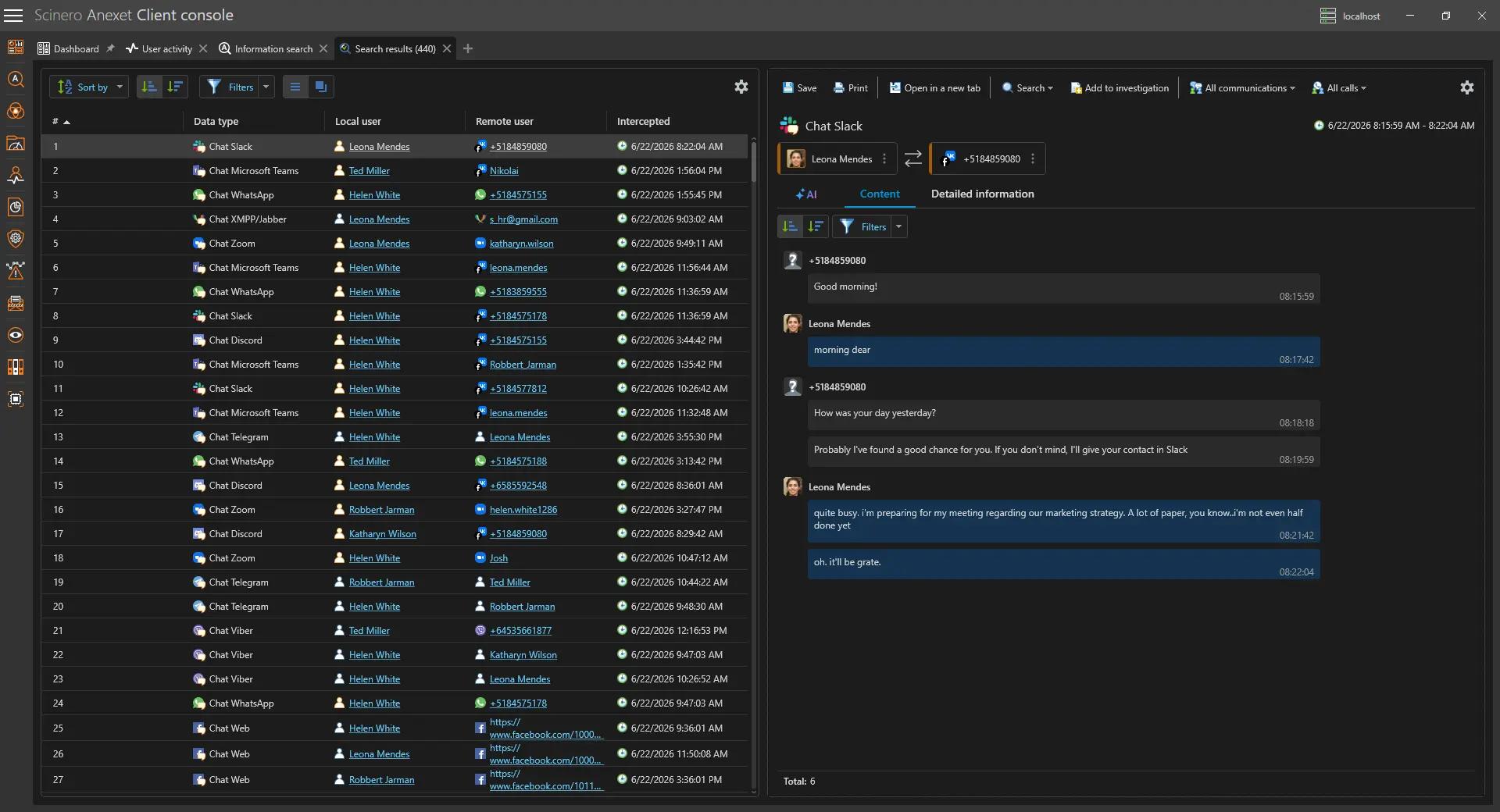
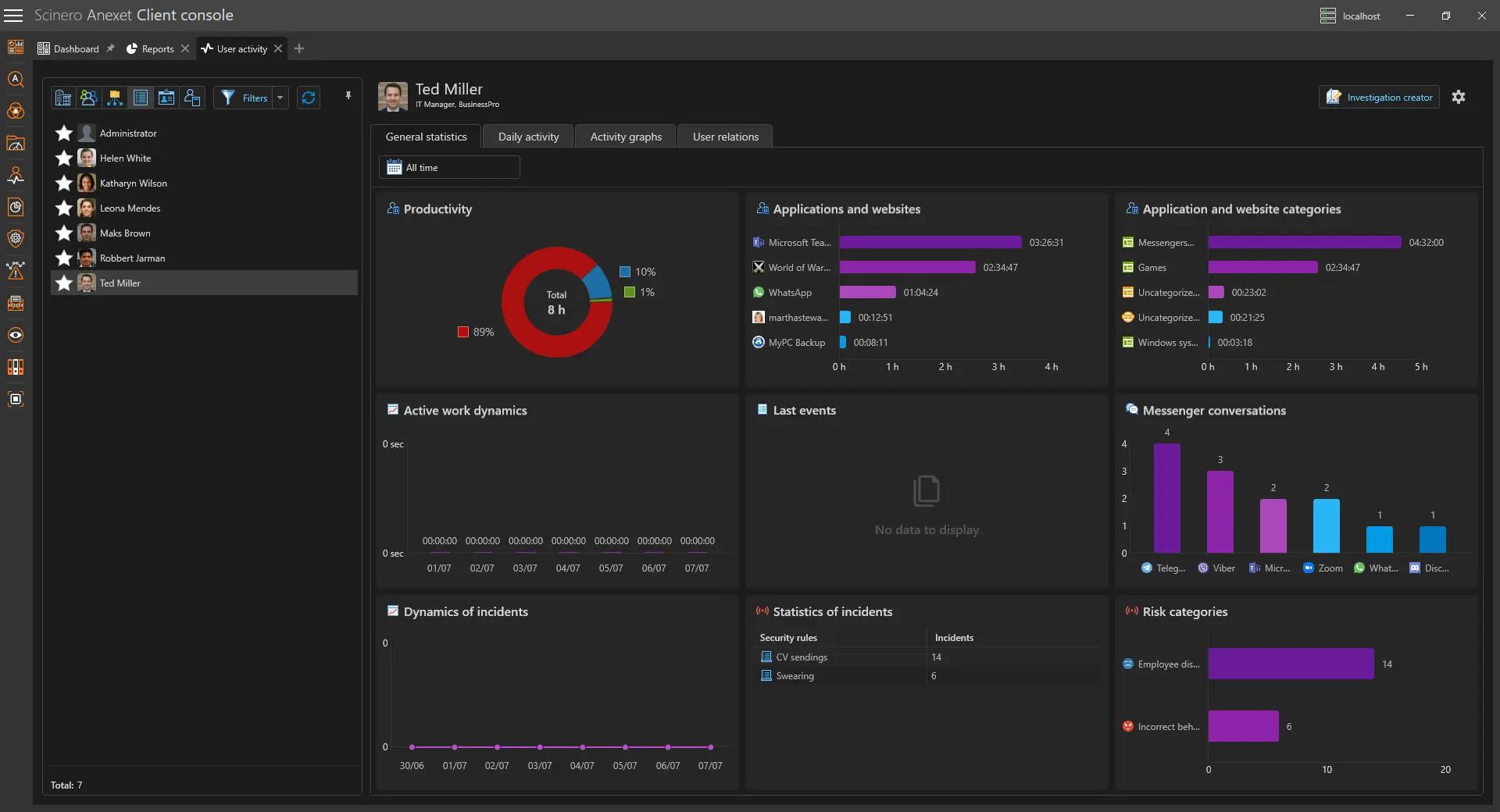
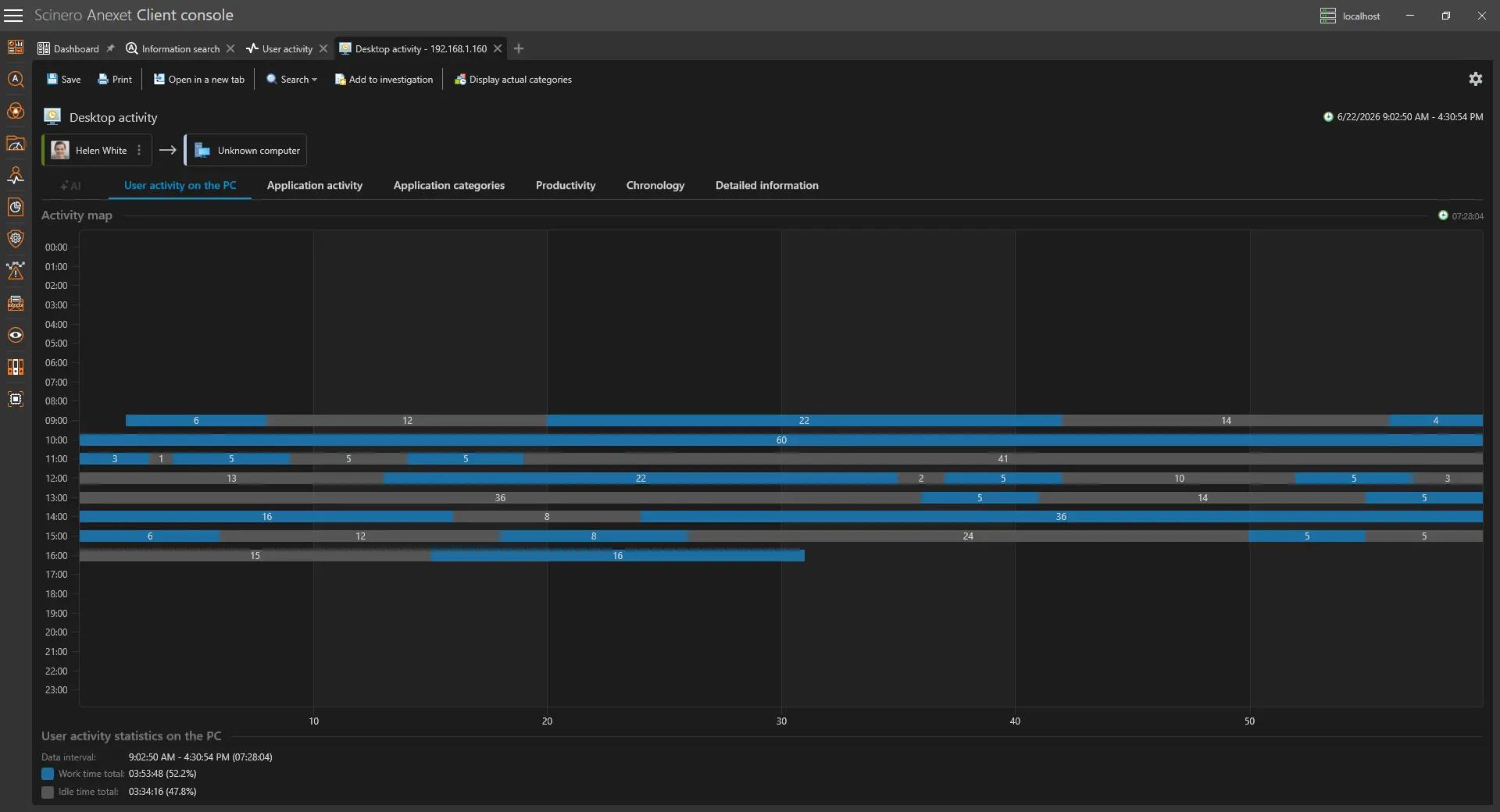
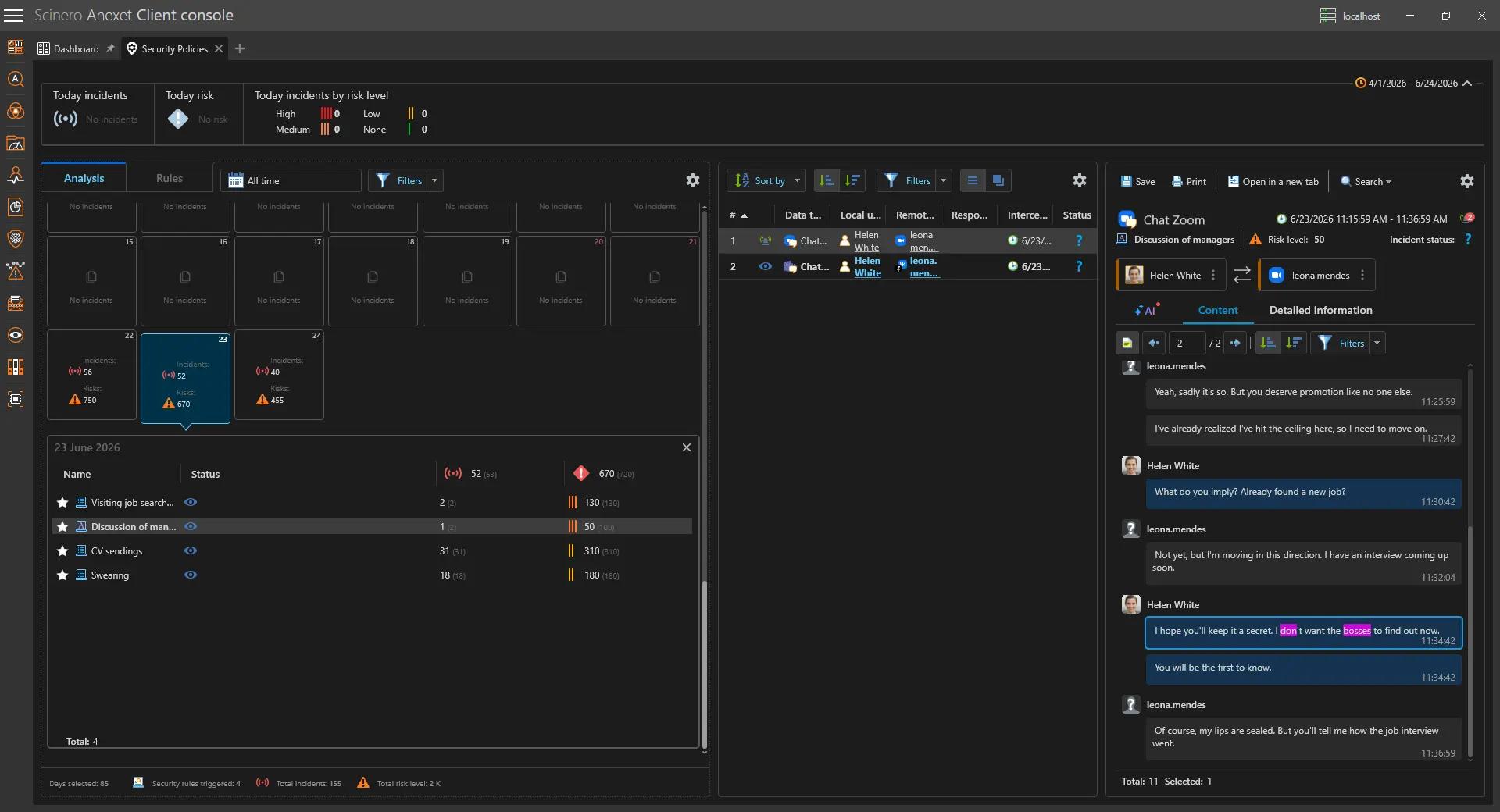
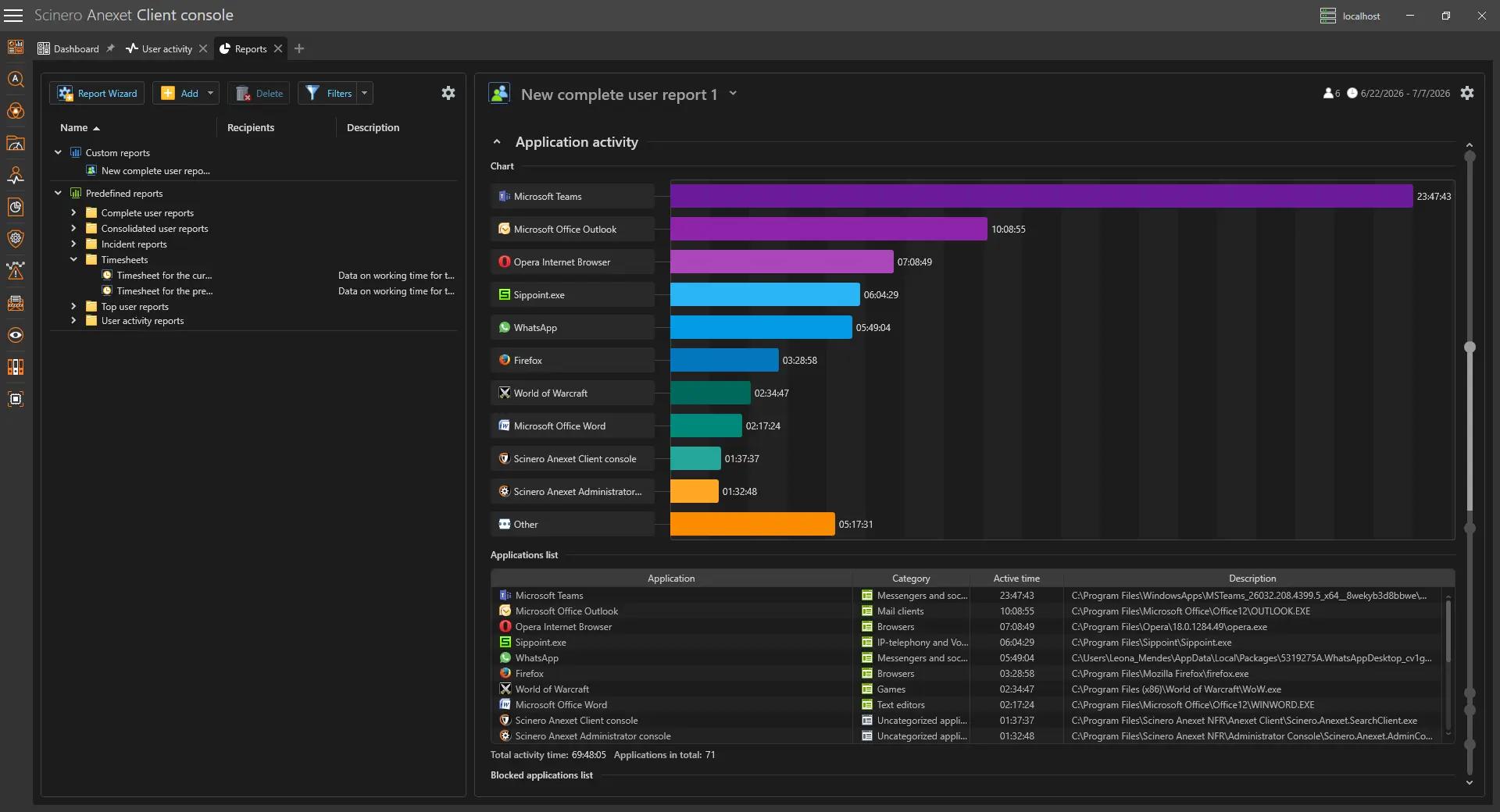
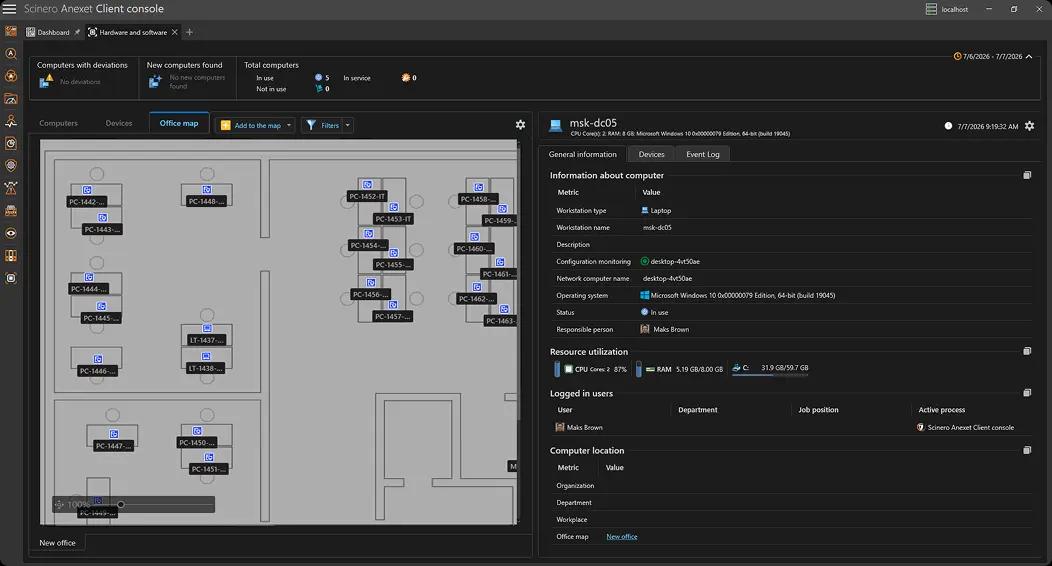
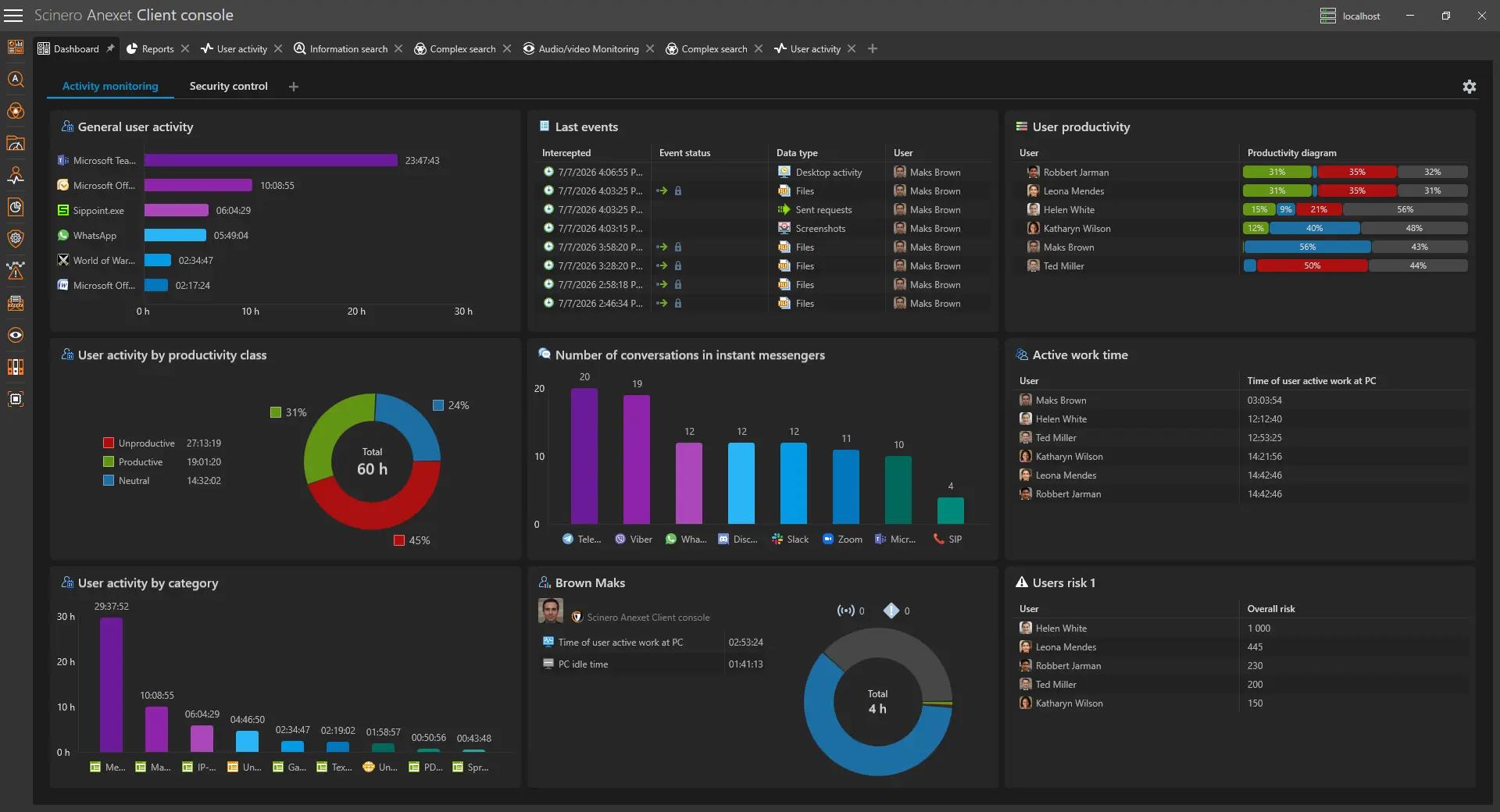
Working with intercepted data, setting up security policies, searching for information, and building reports — 11 modules in a single dark-themed workspace.


Administrator & supervisor consoles to configure, monitor, and audit your environment. The Client Console is where your security team works with data; the Administrator Console is where the system itself is managed.
Schedule a Demo
For security analysts and supervisors.
Working with intercepted data, setting up security policies, searching for information, and building reports — 11 modules in a single dark-themed workspace.
For system administrators.
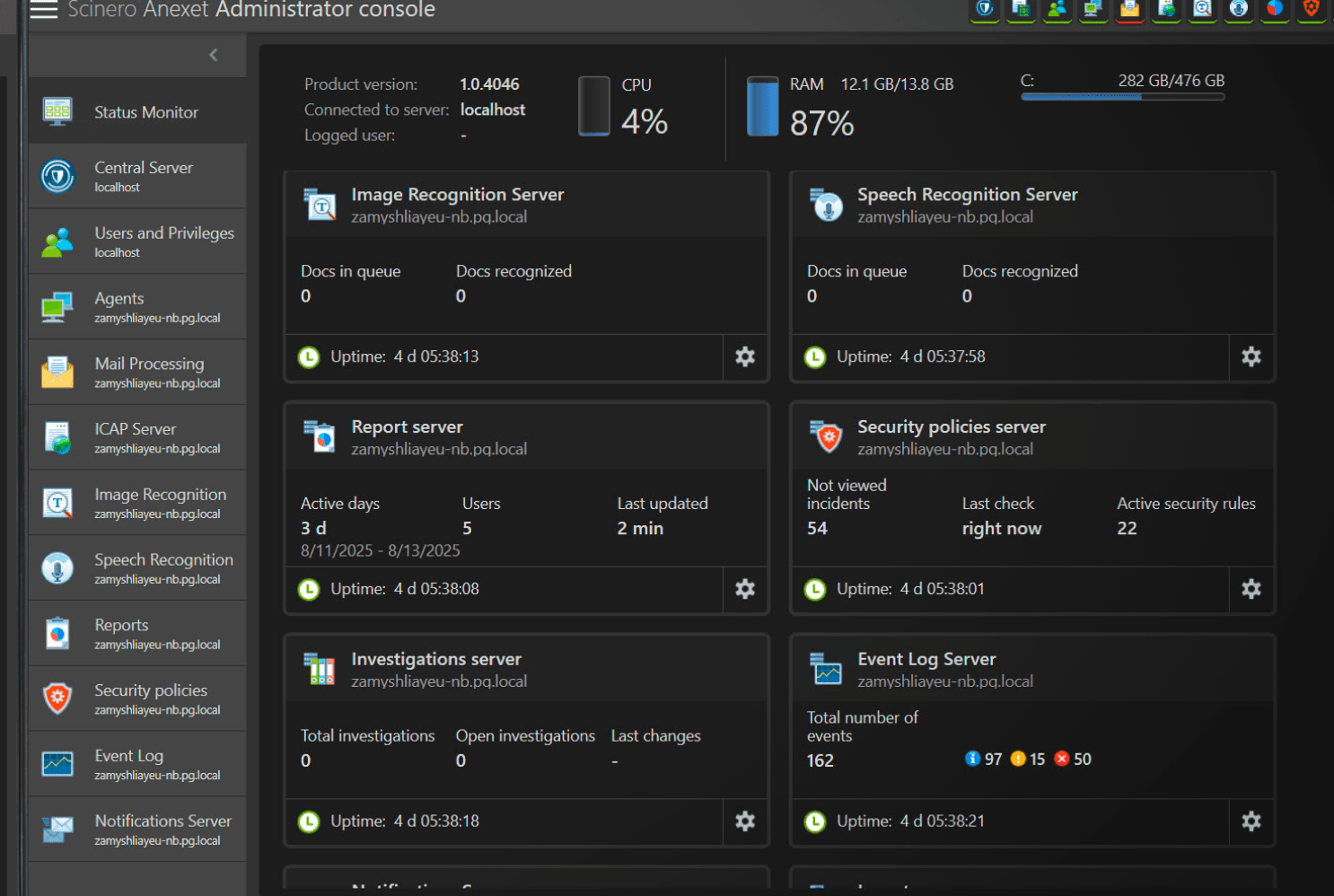
Configures the operation of all Anexet subsystems: Central Server, Data Processing Server, Users and Privileges Server, agents, recognition engines, and more.
From information search and audio/video monitoring to risk analysis, blocking policies, and AI-powered incident summaries — every capability is a module, and your plan defines the set.
Twelve sections cover everything from server status to notifications:

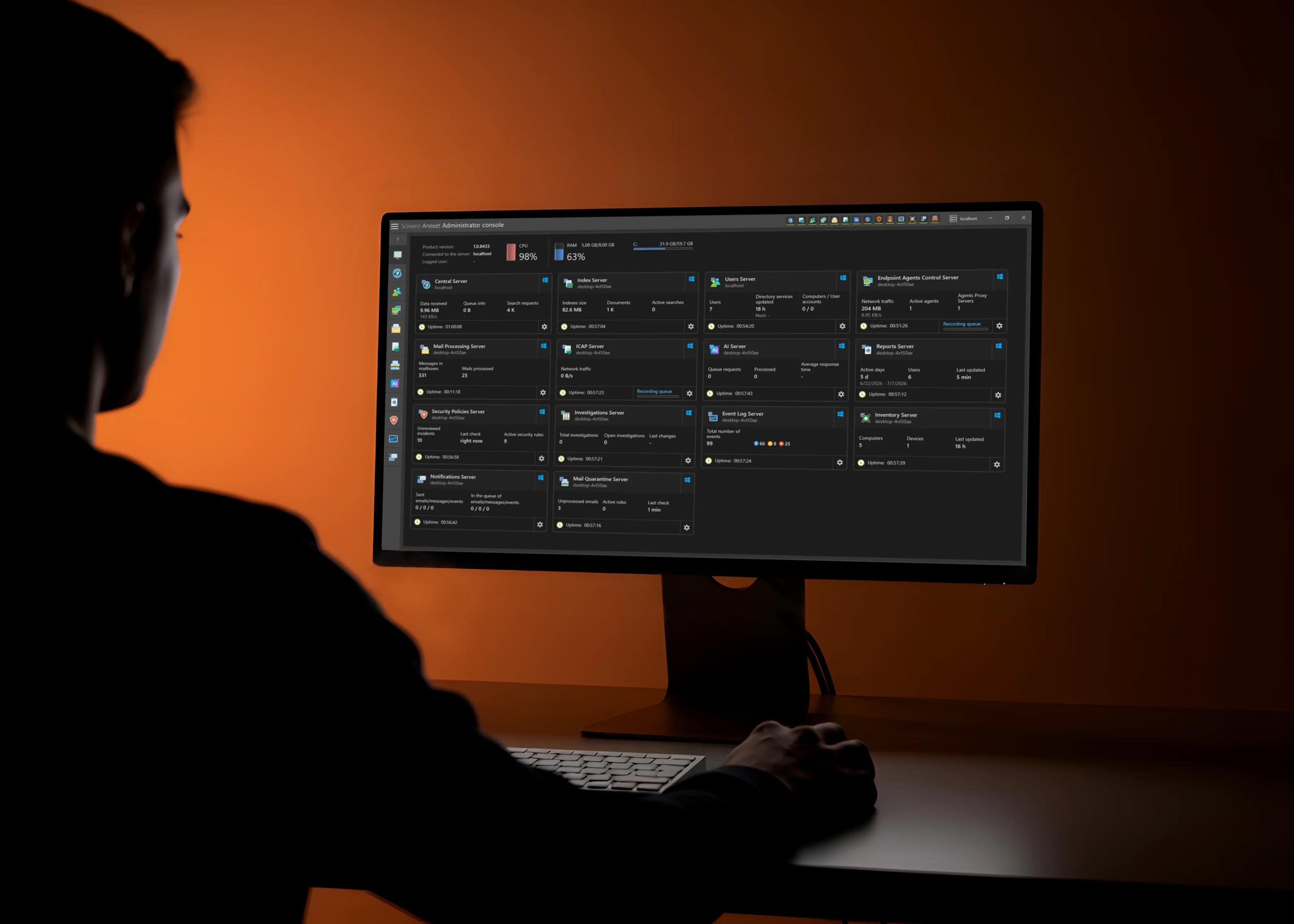
Live cards for every component: recognition queues, report server stats, security incidents awaiting review, investigations, event log totals — each with uptime, plus CPU, RAM, and disk usage of the host.

A deployment strategy wizard rolls agents out to selected computers; blocking rules are managed in a clear tree by type.

Switch on text, speech, face, and stamp recognition; upload stamp templates for document control.

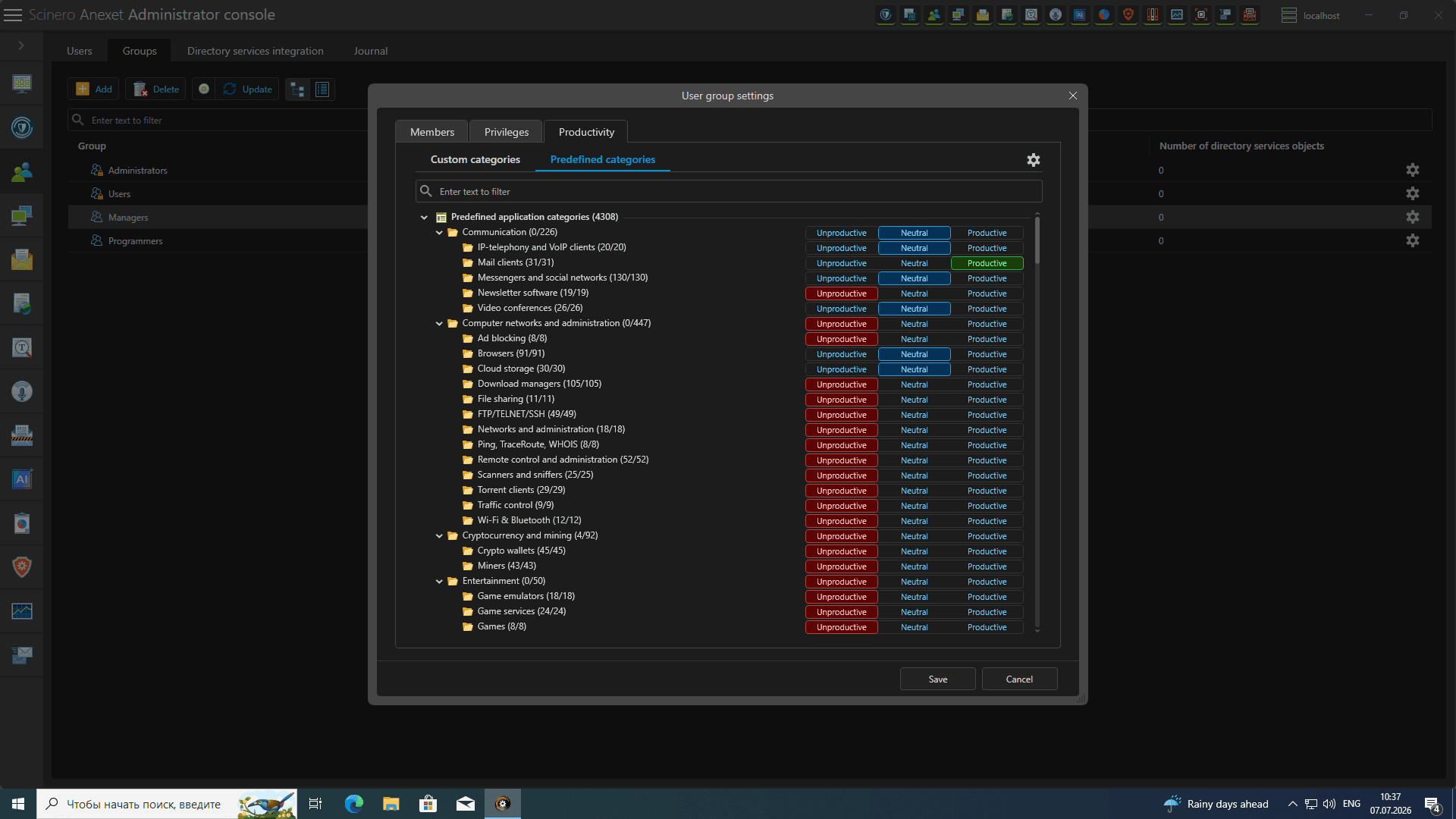
Around 590 predefined application categories (messaging apps, VoIP, games, video conferencing, and more), each labeled productive, neutral, or unproductive — the basis for productivity analytics in the Client Console.
Common questions about the Client and Administrator consoles, plans, and platforms.
Security analysts, supervisors, and managers work in the Client Console — with intercepted data, policies, reports, and investigations. System administrators use the Administrator Console to configure servers, deploy agents, and monitor system health.
Yes, both consoles come with every plan. What differs is the set of modules available inside the Client Console — for example, Risk Analysis and Hardware & Software appear with the Premium plan.
Yes. The Users and Privileges subsystem defines who sees what: access to security policies, risk analysis, and other modules is role-based, so analysts, supervisors, and administrators each work within their own scope.
The Client and Administrator consoles are desktop applications installed on the workstations of your security team and system administrators. They connect to your on-premise Anexet servers — no data leaves your perimeter.

Book a guided session — we'll walk through both consoles on your use cases and set up a trial with full Ultimate functionality.