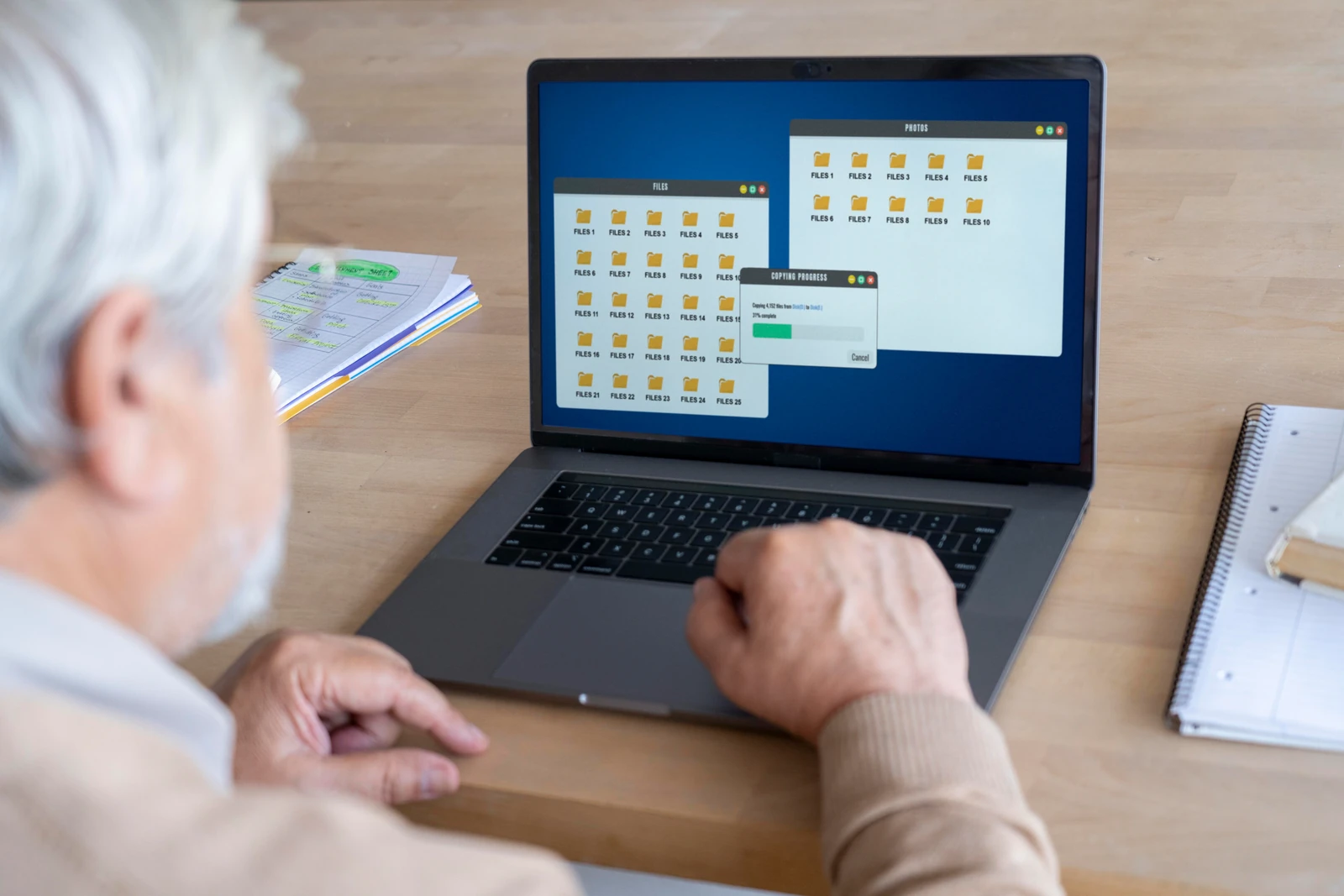
File Transfer & Network Monitoring

Files leave the company over FTP, network shares, and the wire long before they reach a USB stick or a messenger. Anexet watches these transfers, audits every file operation, and blocks sensitive data — on-premise, with no vendor access to your data.

Schedule a Demo
Anexet Client Console showing intercepted file transfers and network activity

Where Files Really Leave the Company

USB sticks and messengers get the attention, but bulk data still moves over FTP, SMB shares, and the corporate network — channels most tools never audit in detail.

A single FTP upload or a copy to an external network share can move gigabytes in seconds. Anexet captures file transfers over FTP and FTPS, and audits read, write, copy, and delete operations on SMB network shares — so you always know which user touched which file, and when.

Beyond the endpoint, Anexet ingests mirrored network traffic from a SPAN port or a TAP, reconstructing FTP and web-based transfers at the gateway. This gives security teams a second vantage point that does not depend on an agent being present on every machine.

Every transfer and file operation becomes a searchable record in the Client Console, tied to a user and a timestamp, ready for policies, real-time alerts, and investigations across Windows, Linux, and macOS.

Why it matters

  • Endpoint and network

    FTP and file operations are captured on the workstation, while mirrored traffic is reconstructed at the gateway.

  • Full file audit

    Read, write, copy, rename, and delete on SMB shares — each event tied to a user and a timestamp.

  • Blocked before it leaves

    Custom rules stop FTP uploads and risky transfers, with content-aware policies on the higher plans.

File Transfer & Network Channels

Network traffic and FTP capture are included from the Standard plan. Network share auditing and transfer blocking are added with Advanced; gateway-level ICAP integration is part of Premium.

File transfer protocols

  • FTP / FTPS

    Standard

    File uploads and downloads captured on the endpoint and reconstructed from network traffic.

  • FTP transfer blocking

    Advanced

    Custom rules stop FTP uploads of files that match your policies.

  • Web-based file transfers

    Standard

    HTTP and web-cloud uploads seen in the network traffic stream.

Network shares (SMB)

  • Network share access

    Advanced

    Connections to SMB / shared folders are logged per user and host.

  • File operations audit

    Advanced

    Read, write, copy, rename, and delete actions on shares, with full attribution.

  • Share transfer control

    Advanced

    Policies restrict copying sensitive files to or from network shares.

Network traffic capture

  • Mirrored traffic (SPAN / TAP)

    Standard

    Agentless capture of FTP and web transfers from a mirrored port or network tap.

  • Protocol reconstruction

    Standard

    FTP, HTTP, mail, and web-cloud sessions rebuilt from raw traffic for review.

  • ICAP proxy integration

    Premium

    Inline inspection and blocking of web transfers at the gateway via an ICAP server.

Coverage varies by operating system (Windows, Linux, macOS) and network topology. Our team confirms the exact capture and blocking matrix for your environment during the demo.

What Anexet Captures — and Blocks

Anexet records the full picture of file movement: FTP and FTPS transfers, web-based uploads, and every read, write, copy, and delete on SMB network shares — each event timestamped and tied to the user behind it. Mirrored network traffic adds an agentless view that reconstructs transfers straight from the wire.

From the Advanced plan, custom rules block FTP uploads and risky file operations before data leaves the company. With Premium, content-aware policies and ICAP gateway integration extend control to web transfers, matching files by digital fingerprint, keyword, or sensitivity label. Every action is logged as evidence for investigations.

Intercepted FTP and file-transfer events in the Anexet Client Console
User activity timeline tied to network share file operations

Monitoring & Blocking by Channel

At a glance — what Anexet captures and controls across file-transfer and network channels. Capture is included from the Standard plan; share auditing and transfer blocking are added with Advanced.

ChannelMonitoringBlocking
FTP / FTPS file transfersTransfers & filesFull
Network shares (SMB)Access & file operationsPartial
File operations on sharesAccess & file operationsPartial
Mirrored network traffic (SPAN / TAP)Network trafficFull
ICAP proxy integrationNetwork trafficFull

Network traffic and FTP capture are included from Standard. Network share auditing and FTP / transfer blocking are part of Advanced; ICAP gateway integration and content-aware blocking by digital fingerprint or sensitivity label come with Premium. "Partial" means policy-based transfer restriction on supported channels; "Full" covers FTP blocking and gateway-level inspection.

How File Transfer Monitoring Works

Four steps from a file transfer to a controlled, searchable record.

A lightweight agent captures FTP and FTPS transfers and audits file operations on local drives and SMB network shares.

1

In parallel, mirrored network traffic from a SPAN port or TAP is reconstructed into FTP and web-based transfer sessions.

2

Security policies scan transfers and file operations in real time and can block, quarantine, or alert on a match.

3

Analysts review transfers and file events, build cases, and export court-grade evidence from the Client Console.

4

A lightweight agent captures FTP and FTPS transfers and audits file operations on local drives and SMB network shares.

1

In parallel, mirrored network traffic from a SPAN port or TAP is reconstructed into FTP and web-based transfer sessions.

2

Security policies scan transfers and file operations in real time and can block, quarantine, or alert on a match.

3

Analysts review transfers and file events, build cases, and export court-grade evidence from the Client Console.

4

Arrow

File Transfer Control by Plan

StandardCore employee activity monitoring.
Network traffic interception
USB control
Printers monitoring
Messengers interception
Browsers interception
and 4 more
Includes:
Anexet Activity
Most popular
AdvancedAdds DLP and deeper visibility.
Standard plan included
DLP features
Network shares monitoring
Keylogger
Webcam pictures
and 4 more
Includes:
Anexet DLP
Anexet Activity
All-in-one
PremiumAll-in-one solution.
Standard + Advanced plans included
Advanced search (digital fingerprints, hash search)
File systems monitoring
User relations analysis
Risk analysis
and 6 more
Includes:
Anexet DLP
Anexet Inventory
Anexet Activity
Anexet Ultimate

Frequently Asked Questions

Common questions about how Anexet monitors and controls file transfers and network shares.

Which file-transfer channels does Anexet monitor?

Anexet captures FTP and FTPS transfers, web-based and web-cloud uploads, and file operations on SMB network shares — read, write, copy, rename, and delete. It also reconstructs FTP and web transfers from mirrored network traffic. The exact set depends on the operating system and network topology, confirmed for your environment during the demo.

Yes, from the Advanced plan. Custom rules can block FTP and FTPS uploads of files that match your policies, so a confidential document stays visible in the console but is prevented from leaving the company. Content-aware blocking by digital fingerprint, keyword, or sensitivity label is part of Premium.

Yes. From the Advanced plan, Anexet logs connections to SMB network shares and audits file operations on them — every read, write, copy, rename, and delete is tied to a user and a timestamp, giving you a full trail of who touched which file on a shared folder.

Yes. Anexet ingests mirrored network traffic from a SPAN port or a network TAP and reconstructs FTP and web-based transfers at the gateway. This agentless view complements endpoint capture and covers transfers from devices where an agent is not installed. Inline blocking at the gateway via ICAP is part of Premium.

Never. Anexet is deployed fully on-premise: all captured transfers and file-operation logs stay inside your infrastructure, and the vendor has no access to them.

Three professionals collaborating and looking at a tablet in a meeting

Bring File Transfers Under Control

Tell us how files move in and out of your network — FTP, shares, or the wire — and what you need to protect. We'll map it to the right plan and arrange a demo or a free trial of Anexet Ultimate.

I accept that my personal data can be processed in accordance with the Privacy Policy