
Skip to content
Anexet

LinkedIn Monitoring

LinkedIn looks like ordinary business traffic — which is why a message to a recruiter can leave unnoticed. Messages, comments, and uploads are captured.

Schedule a Demo
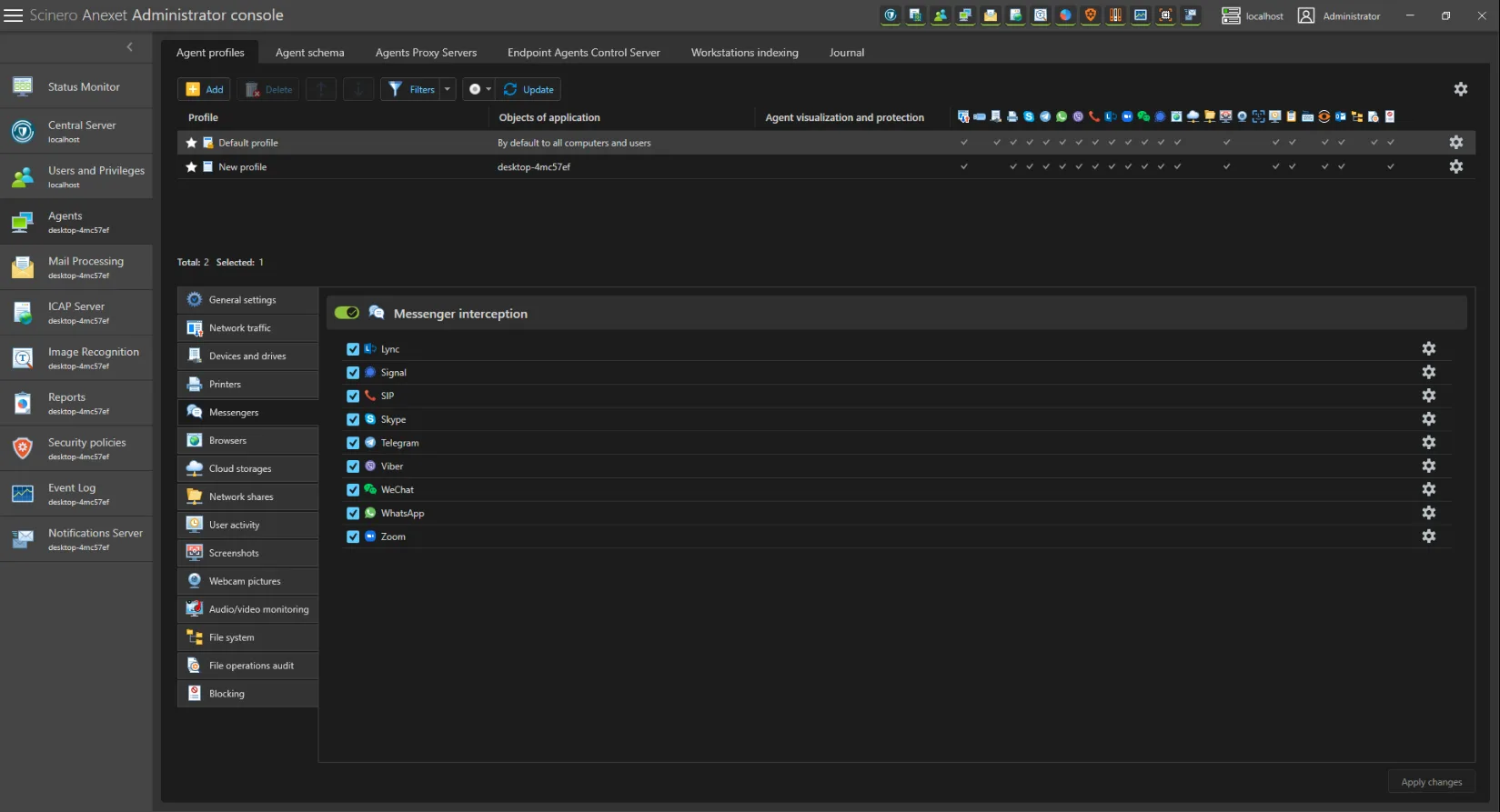
Anexet Client Console showing intercepted LinkedIn messages and uploads

Why LinkedIn Is a Blind Spot

LinkedIn is the one network employees use for work — and that legitimacy is exactly what makes it easy to overlook as a leak channel.

A product manager messaging a recruiter, an engineer attaching a spec sheet "for context," or a salesperson sending a pricing deck to a former colleague: each action looks routine, and each one can carry confidential data outside the company. LinkedIn activity also tends to spike around hiring and resignations, so a rise in recruiter contacts or upload activity is often the earliest signal that someone is preparing to leave.

Anexet covers LinkedIn as part of its web channel: the same engine that intercepts browser traffic on the endpoint records what passes through LinkedIn's web interface — private messages, comments, and file uploads — the moment an employee opens it in a supported browser. No separate LinkedIn plug-in is required.

The risk, at a glance

  • Looks like business, not risk

    A recruiter chat or a shared deck reads as routine networking, so it rarely draws a second look.

  • A hiring-cycle signal

    Recruiter conversations and job-search activity often rise just before an employee resigns.

  • Files leave through the browser

    Documents attached to a LinkedIn message move data outside the perimeter in a single click.

Track, Intercept, Block — in One Agent

Everything you need to bring LinkedIn under control, included as your plan grows.

  • Tracking

    See who uses LinkedIn, when, and how much. Time on platform feeds straight into employee-monitoring and productivity reports, alongside job-search signal detection.

  • Interception

    Capture private messages, comments, and file uploads through the web channel on the endpoint — searchable in the Client Console with the user and timestamp behind each event.

  • Blocking

    Stop risky uploads and transfers with security policies (Advanced); content-aware blocking by digital fingerprint or sensitivity label keeps confidential documents in (Premium).

What Anexet Captures on LinkedIn

Anexet records LinkedIn activity as it happens in the browser: private messages, group conversations and comments, and the files attached to them — with the user identity and timestamp attached to every event. Time spent on the platform is logged alongside recruiter conversations and job-application activity, giving security and HR teams an early, objective signal rather than a hunch.

Because capture runs through Anexet's web channel on the endpoint, there is no separate LinkedIn interceptor to deploy — any supported browser on a managed workstation is already covered. From the Advanced plan, policies can block uploads and message transfers; with Premium, content-aware rules block by fingerprint or sensitivity label, even when a file has been renamed.

Intercepted LinkedIn messages and file transfers in the Anexet Client Console
User activity timeline tied to LinkedIn events

How LinkedIn Control Works

From a LinkedIn message on the endpoint to a controlled, searchable record.

A lightweight agent on the workstation intercepts browser traffic as it passes through the web channel, capturing LinkedIn messages, comments, and uploads the moment the page opens.

1

Captured content — messages, comments, files, and time-on-platform data — is sent to your on-premise server and indexed for search.

2

Security policies scan content in real time and can block, quarantine, or alert on a match.

3

Analysts review activity, build cases, and export detailed, timestamped reports from the Client Console for internal investigations and HR or legal follow-up.

4

A lightweight agent on the workstation intercepts browser traffic as it passes through the web channel, capturing LinkedIn messages, comments, and uploads the moment the page opens.

1

Captured content — messages, comments, files, and time-on-platform data — is sent to your on-premise server and indexed for search.

2

Security policies scan content in real time and can block, quarantine, or alert on a match.

3

Analysts review activity, build cases, and export detailed, timestamped reports from the Client Console for internal investigations and HR or legal follow-up.

4

Arrow

LinkedIn Control by Plan

StandardCore employee activity monitoring.
Network traffic interception
USB control
Printer monitoring
Messenger interception
Browser interception
and 4 more
Most popular
AdvancedAdds DLP and deeper visibility.
Standard plan included
DLP features
Network share monitoring
Keylogger
Webcam pictures
and 4 more
All-in-one
PremiumAll-in-one solution.
Standard + Advanced plans included
Advanced search (digital fingerprints, hash search)
File system monitoring
User relationship analysis
Risk analysis
and 6 more

Frequently Asked Questions

Common questions about how Anexet handles LinkedIn.

Does Anexet have a dedicated LinkedIn interceptor?

LinkedIn is covered through Anexet's web channel — the same engine that intercepts browser HTTP and HTTPS traffic on the endpoint. Any message, comment, or upload that passes through LinkedIn's web interface in a supported browser is captured automatically, with no separate LinkedIn interceptor to install or maintain.

Anexet monitors managed workstations — Windows, Linux, and macOS desktops and laptops where the agent is installed. Coverage centers on these devices; there's no separate mobile agent, so LinkedIn activity on a phone sits outside this scope.

Captured data goes to your own on-premise server. Anexet is deployed on-premise; the vendor has no access to your data, and nothing is sent to external cloud services.

Yes. Recruiter conversations, InMail exchanges, and job-application activity visible in the browser are captured as part of the session, giving security and HR teams an early signal that an employee may be preparing to leave.

Three professionals collaborating and looking at a tablet in a meeting

Bring LinkedIn Under Control

Tell us how your teams use LinkedIn and what you need to protect — we'll map it to the right plan and arrange a demo or a free trial of Anexet Ultimate.

I accept that my personal data can be processed in accordance with the Privacy Policy