


Skip to content
Anexet

USB and External Drive Control

A flash drive never touches a corporate gateway — which is why it stays a favorite exit route. Every file copied to it is logged and blocked by policy.

Schedule a Demo
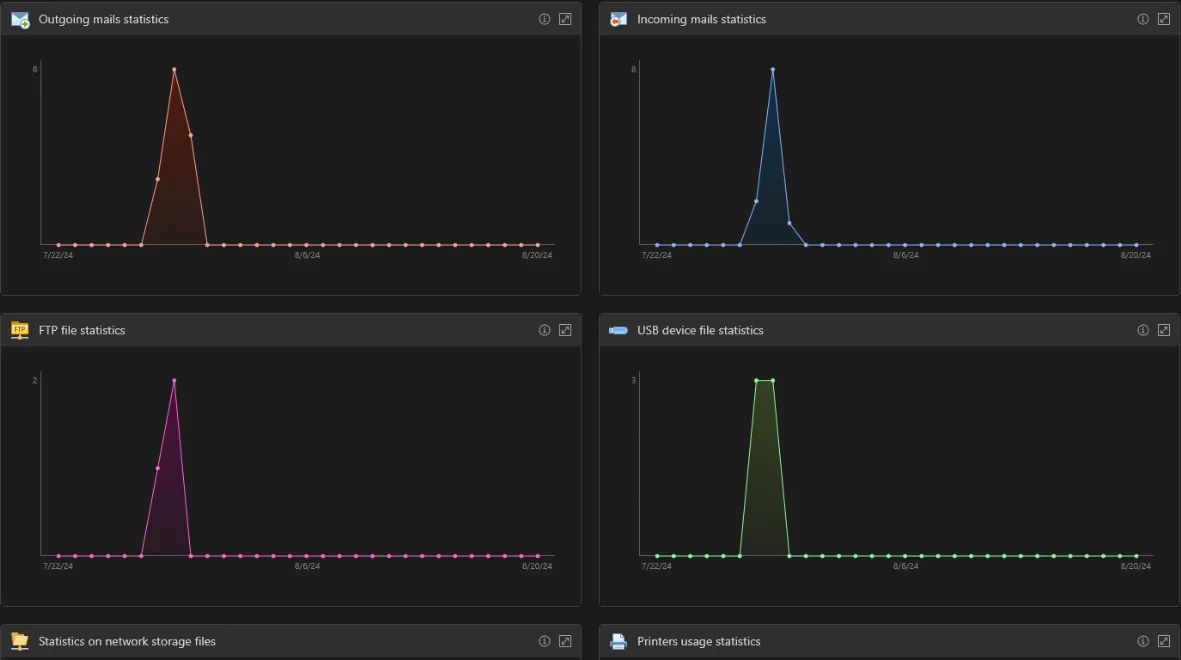
Anexet Client Console showing a logged USB file transfer

Why USB Storage Is Still the Simplest Exit Route

A drive plugs in, a folder gets copied, the drive comes out — and the transfer never crosses a network boundary a security tool can see.

A USB stick can carry a spreadsheet out the door in seconds; an external hard drive can carry a full project archive or customer database. Either way, the copy happens locally, so network DLP, firewalls, and proxy filters have nothing to inspect — the traffic simply never appears on the wire.

Anexet closes that gap by watching removable storage directly on the workstation. The agent records every file written to or read from a connected drive, ties the event to a user, a device, and a timestamp, and sends the record to your on-premise server — so the copy is visible the moment it happens.

The risk, at a glance

  • No network footprint

    A local file copy leaves no trace for firewalls or proxies to catch — it never crosses the wire.

  • High capacity, low friction

    An external hard drive can carry an entire archive, and it connects and disconnects in seconds.

  • Easy to overlook

    Without endpoint capture, a departing employee's drive can go unnoticed until the damage is already done.

Removable media & external devices

  • USB drives & flash media

    Standard

    Files copied to and from USB storage, with a full audit of each device as it is connected.

  • COM & LPT ports

    Standard

    Serial and parallel port devices tracked alongside USB for complete removable-media visibility.

  • Device audit

    Standard

    Every external device that touches the workstation is logged — model, connection time, and the user.

    Learn more: Device audit
  • USB write blocking

    Advanced

    Blocking policies stop files being written to removable media on a policy match.

Coverage varies by operating system (Windows, Linux, macOS). Bluetooth transfer is analyzed and blocked by the same content rules as USB and clipboard, with intercepted files visible in the Client Console.

What Anexet Captures for USB and External Drives

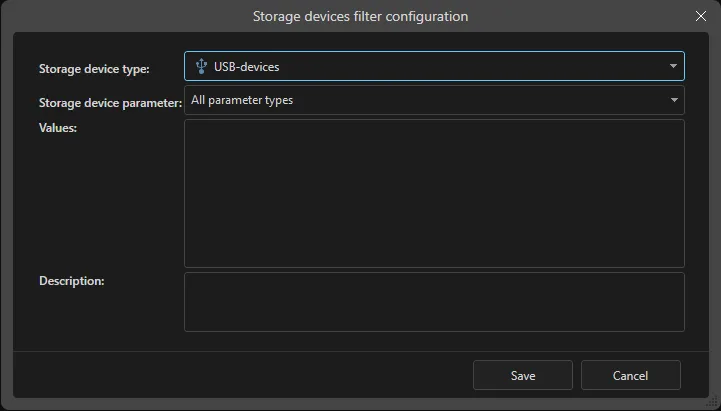
Anexet records the transfer as it happens on the workstation: filename, path, size, direction, the connected device's model and serial number, the user, and the timestamp — for both USB flash drives and higher-capacity external hard disks and SSDs.

Because capture runs on the endpoint, no gateway or network path is required — coverage holds whether the machine is in the office, at home, or on the road. From the Advanced plan, policies can block a write the moment it matches a rule; with Premium, content-aware blocking works from the file's digital fingerprint or sensitivity label.

Logged USB and external drive transfer history in the Anexet Client Console
Device connection audit showing model, serial number, and user

How USB and External Drive Control Works

From a file dropped on a removable drive to a controlled, searchable record.

A lightweight agent on the workstation begins recording the instant a USB or external drive connects — no gateway or network path required.

1

Captured file metadata and content are sent to your on-premise server and indexed for full-text search.

2

From the Advanced plan, blocking policies evaluate every write in real time and can stop a transfer that matches a rule.

3

Analysts search transfer history, review flagged incidents, and export evidence from the Client Console.

4

Arrow

USB and External Drive Control by Plan

StandardCore employee activity monitoring.
Network traffic interception
USB control
Printer monitoring
Messenger interception
Browser interception
and 4 more
Most popular
AdvancedAdds DLP and deeper visibility.
Standard plan included
DLP features
Network share monitoring
Keylogger
Webcam pictures
and 4 more
All-in-one
PremiumAll-in-one solution.
Standard + Advanced plans included
Advanced search (digital fingerprints, hash search)
File system monitoring
User relationship analysis
Risk analysis
and 6 more

Frequently Asked Questions

Common questions about how Anexet handles USB and external drive transfers.

Can Anexet block files from being copied to a USB drive?

Yes, from the Advanced plan. A blocking policy can stop a write to removable media the moment it matches a configured rule. From Standard, every transfer is already captured and logged, so you have full visibility even before blocking is enabled. The exact coverage for your environment is confirmed during the demo.

Yes. Both fall under the same removable-storage control: USB flash drives and external hard disks or SSDs connected to the workstation. External drives typically carry more data, but the same capture and blocking policies apply to both.

The filename, path, size, transfer direction, the connected device's model and serial number, the workstation, the user, and the timestamp — indexed and searchable in the Client Console from the Standard plan.

Captured USB and external-drive activity stays entirely on your own servers. Anexet is deployed on-premise, and the vendor has no access to your data.

Yes. The agent runs on the workstation itself, not on the corporate network, so removable-storage activity is captured whether the machine is in the office, at home, or on the road — on every managed workstation alike.

Three professionals collaborating and looking at a tablet in a meeting

Bring Removable Storage Under Control

Tell us how your teams use USB and external drives and what you need to protect — we'll map it to the right plan and arrange a demo or a free trial of Anexet Ultimate.

I accept that my personal data can be processed in accordance with the Privacy Policy